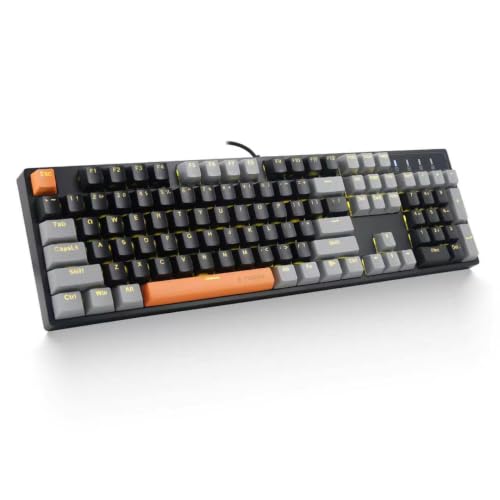
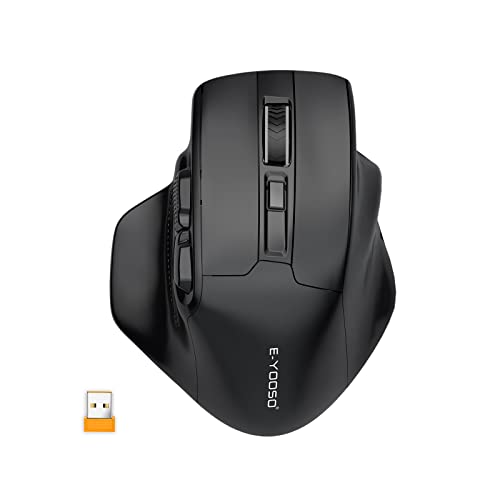
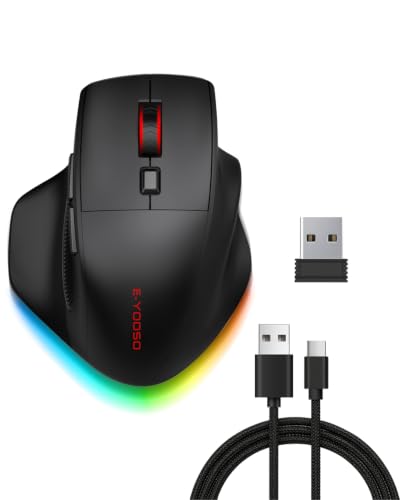
E-YOOSO Wireless Mechanical Keyboard Creamy, Cyber Mecha Style, Black
Price: $49.99
ASIN: B0GTXLSDNS
Product Description
Experience the sleek, retro-futuristic Cyber Mecha style of this black E-YOOSO wireless mechanical keyboard with a creamy typing feel.
Unleash your inner cyber warrior with the E-YOOSO Wireless Mechanical Keyboard in stunning Creamy, Cyber Mecha Style. This isn't just a keyboard; it's a statement. Experience the satisfying tactile feedback and responsive keystrokes of high-quality mechanical switches, engineered for both lightning-fast gaming and precision typing. The wireless connectivity ensures a clutter-free desk and the freedom to game or work from anywhere, while the robust build quality guarantees durability for countless hours of intense action. Its unique Creamy, Cyber Mecha aesthetic will transform your setup into a futuristic command center.
Dive into unparalleled comfort and performance. The ergonomic design reduces fatigue during extended sessions, making it perfect for competitive gamers, dedicated programmers, or anyone who demands the best from their peripherals. With easy plug-and-play setup and long-lasting battery life, you can focus on what matters most. For a full range of innovative tech designed to elevate your digital experience, explore more at E-YOOSO.
Frequently Asked Questions
What type of switches does this keyboard use?
This E-YOOSO wireless mechanical keyboard features creamy, smooth-feeling mechanical switches, providing a satisfying and quiet typing experience.
Is this keyboard compatible with both Windows and Mac operating systems?
Yes, this keyboard offers broad compatibility and can be seamlessly used with both Windows PCs and Mac computers.
How do I connect the keyboard wirelessly to my device?
The keyboard connects easily via a 2.4GHz USB receiver. Simply plug the receiver into your device, and the keyboard will pair automatically.
What is the battery life of the wireless keyboard?
The E-YOOSO wireless mechanical keyboard provides extended battery life, typically lasting several weeks on a single charge with moderate use.
How should I clean and maintain my keyboard?
To clean, gently wipe the keycaps with a damp cloth. For deeper cleaning, you can carefully remove the keycaps and use compressed air to clear debris.
Related Products