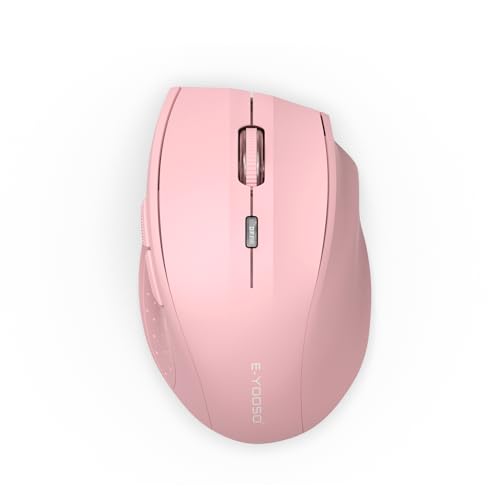
E-YOOSO Premium Wireless Bluetooth Versatile Mouse,8000 DPI,6 RGB Backlit

E-YOOSO Premium Wireless Bluetooth Versatile Mouse,8000 DPI,6 RGB Backlit

Price: $35.90

ASIN: B0FGPZKG96

Product Description

Experience seamless control and vibrant style with this 8000 DPI wireless Bluetooth mouse featuring 6 RGB backlit modes.


Unleash unparalleled precision and vibrant style with the E-YOOSO Premium Wireless Bluetooth Versatile Mouse. Engineered for peak performance, this mouse boasts an astounding 8000 DPI, offering incredibly accurate tracking for everything from intricate graphic design to fast-paced gaming. Say goodbye to lag and hello to seamless control, whether you're navigating spreadsheets or dominating virtual worlds. Its versatile wireless connectivity via Bluetooth ensures a clutter-free workspace and effortless pairing with multiple devices, making it the perfect companion for your laptop, desktop, or tablet.

Experience a new level of immersion with 6 dazzling RGB backlit modes, allowing you to personalize your setup and add a touch of dynamic flair. Beyond its stunning aesthetics, this mouse is designed for comfort and durability, ensuring long hours of use without fatigue. The ergonomic design fits perfectly in your hand, providing a natural grip that enhances productivity and reduces strain. Discover the full range of innovative peripherals and elevate your digital experience; visit E-YOOSO today and explore a world where technology meets unparalleled design.


Frequently Asked Questions

How do I switch between the different RGB lighting modes?

Simply press the dedicated RGB button located on the top of the mouse to cycle through the various vibrant lighting effects and colors.

Is this mouse compatible with both Mac and Windows operating systems?

Yes, the E-YOOSO Premium Wireless Bluetooth Versatile Mouse is designed for broad compatibility and works seamlessly with both Mac and Windows devices.

What is the battery life like on a single charge?

With efficient power management, you can expect several weeks of use on a single charge, depending on your usage and RGB lighting preferences.

Can I adjust the DPI sensitivity without installing additional software?

Absolutely! Use the convenient DPI cycle button on the mouse to instantly switch between 800, 1600, 2400, 3200, and up to 8000 DPI settings.

How do I connect the mouse to my device via Bluetooth?

Turn on the mouse, activate Bluetooth on your device, press the pairing button on the mouse, and select "E-YOOSO Mouse" from your device's Bluetooth list.
Related Products

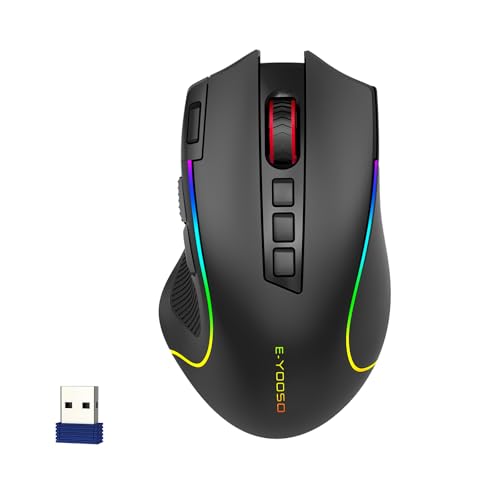
E-YOOSO Wireless RGB Gaming Mouse, Tri-Mode, 8000 DPI, Rechargeable

E-YOOSO Wireless RGB Gaming Mouse, Tri-Mode, 8000 DPI, Rechargeable

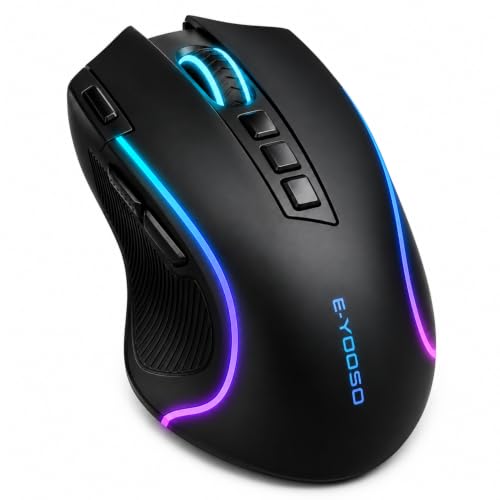
E-YOOSO Wireless Mouse for Laptop, Silent Portable Computer Mouse with 6 Buttons, 4800 DPI, 18 Months Battery Life, 2.4GHz Quiet Optical USB Mouse for PC Chromebook Windows Mac

E-YOOSO Wireless Mouse for Laptop, Silent Portable Computer Mouse with 6 Buttons, 4800 DPI, 18 Months Battery Life, 2.4GHz Quiet Optical USB Mouse for PC Chromebook Windows Mac

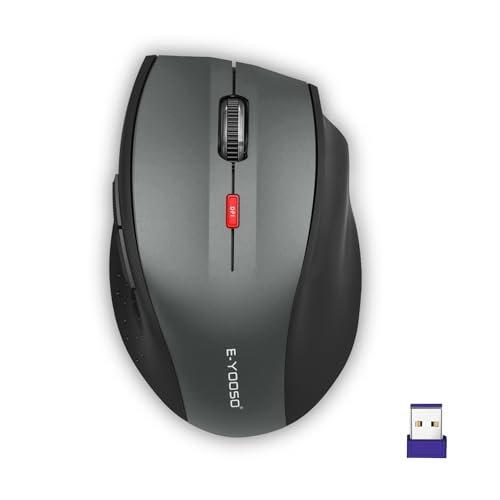
E-YOOSO Wireless Mouse for Laptop, Portable Optical Computer Mouse, 6 Buttons, Cordless 2.4GHz with USB Receiver, 5-Level 4800 DPI, 18 Months Battery Life, for PC, Chromebook, Windows, Mac(Pink)

E-YOOSO Wireless Mouse for Laptop, Portable Optical Computer Mouse, 6 Buttons, Cordless 2.4GHz with USB Receiver, 5-Level 4800 DPI, 18 Months Battery Life, for PC, Chromebook, Windows, Mac(Pink)